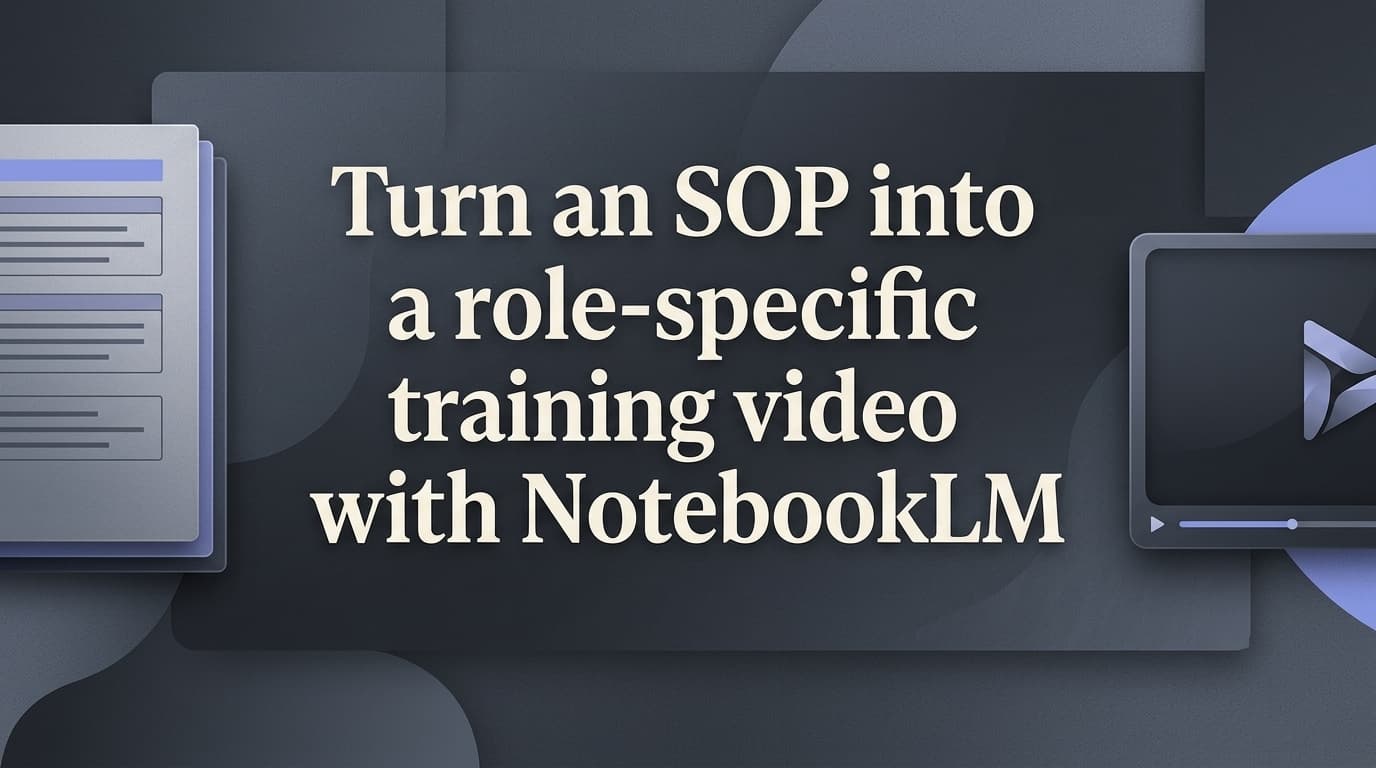
Turn an SOP into a role-specific training video with NotebookLM
Published By the AI Academy editorial team · editorial policyIncludes a video walkthrough8 min readBeginner
 NotebookLM
Upload an approved SOP to NotebookLM, tailor a Video Overview to a role, then verify and share the training.
TL;DR
Upload an approved SOP to NotebookLM, build a role-specific Video Overview, then check the generated training against the source before sharing it.
Who this is for
- Team leads introducing processes to new hires
- Operations and enablement managers
- Support leads training Tier 1 specialists
What you'll build
A role-specific NotebookLM Video Overview (Explainer) grounded in an approved SOP, verified against the source, ready to share.
Steps in this tutorial
- Step 1: Add the approved SOP to a new notebook
- Step 2: Open Video Overview and set the format
- Step 3: Make the video specific to the role
- Step 4: Generate and open the result
- Step 5: Check the training against the original SOP
- Recap
The step-by-step instructions, prompts and screenshots are for AI Academy subscribers.
AI Academy
Unlock the full AI Academy
This tutorial and every other one, on ChatGPT, Claude, Midjourney & the other AI tools we cover
Start risk-free · Cancel anytime
Already a member? Sign inAI Academy
Unlock the full AI Academy
This tutorial and every other one, on ChatGPT, Claude, Midjourney & the other AI tools we cover
Start risk-free · Cancel anytime
Already a member? Sign in