You're probably in the same spot most new VAs hit first. You've figured out that remote support work is real, you've seen people offering inbox management, scheduling, social media support, research, or customer follow-up, and now you're staring at a pile of free courses that all sound the same. Some promise confidence. Some promise clients. Most leave you with a certificate and no clear idea what to do next.
That's the frustrating part of free virtual assistant training. It's easy to find lessons. It's harder to find a path. Beginners don't usually need more random videos about “what a VA does.” They need a sequence that helps them build one marketable skill at a time, practice it, and turn that into proof they can show a client.
That's what this guide is built for.
A broader labor shift is pushing more people toward VA work. One 2025 industry summary reported a 35% increase in virtual assistant job postings, estimated average VA earnings at $45,000 per year and up to $70,000 annually for specialists, and said 65% of virtual assistants work as freelancers while 35% work through agencies. That tells you two things fast. Demand exists, and skill depth matters.
You also don't need to learn everything at once. The best route is to stack resources. Start with foundational admin work. Add client communication. Then move into higher-value support like Canva, marketing systems, automation, and AI-assisted workflows.
Below are the best options I'd point a beginner to right now, plus the order I'd use them in if I were starting from scratch with no budget.
1. Apex Virtual Assistants – Free Elite VA Training
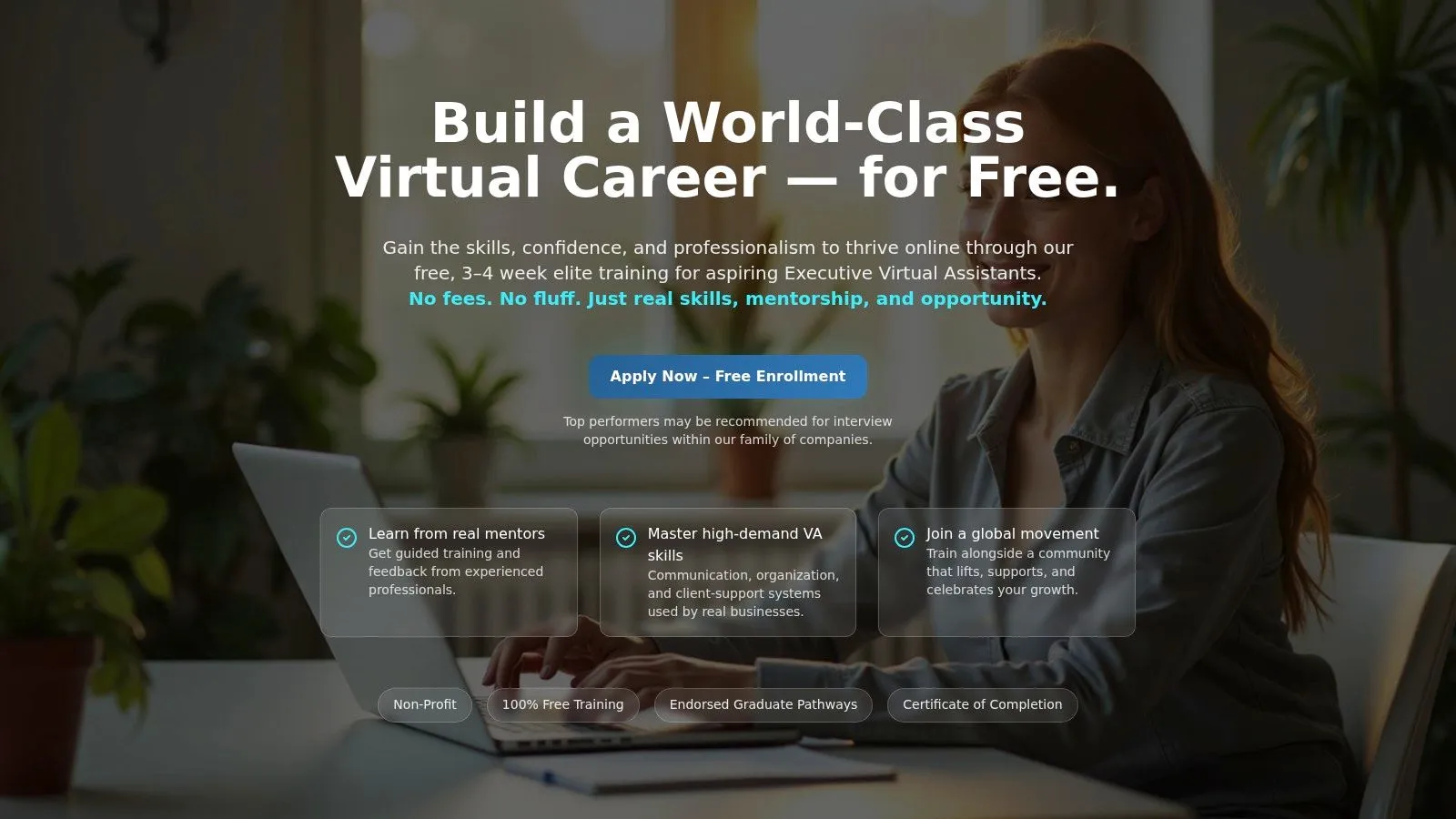
If you want structure instead of endless browsing, Apex Virtual Assistants is one of the strongest places to start. It's built more like a guided training experience than a casual content library, which matters if you know you procrastinate when everything is self-paced.
The focus leans toward executive-caliber support. That means calendars, inboxes, communication standards, systems thinking, and the kind of professionalism clients notice quickly. For beginners, that's useful because many free virtual assistant training programs stay vague. Apex pushes closer to actual work habits.
Why it stands out
The cohort model is the main advantage. You've got deadlines, peers, and a reason to finish. That accountability is often the difference between “I enrolled” and “I'm ready to take on client tasks.”
A certificate of completion also helps, but I wouldn't treat that as the main value. The primary value is that you leave with a better sense of what polished support work looks like.
- Best for serious beginners: It suits people who want an executive assistant standard from the start.
- Big strength: It feels closer to professional preparation than casual content consumption.
- Main drawback: Seats are limited, and fixed schedules won't suit everyone.
Practical rule: If you struggle to learn alone, pick one cohort-based option first. Accountability beats a bigger course library every time.
If you complete Apex and want to add modern digital skills next, pair it with practical AI workflow learning from AI Academy's course library. That combination gives you both classic assistant discipline and newer productivity advantages.
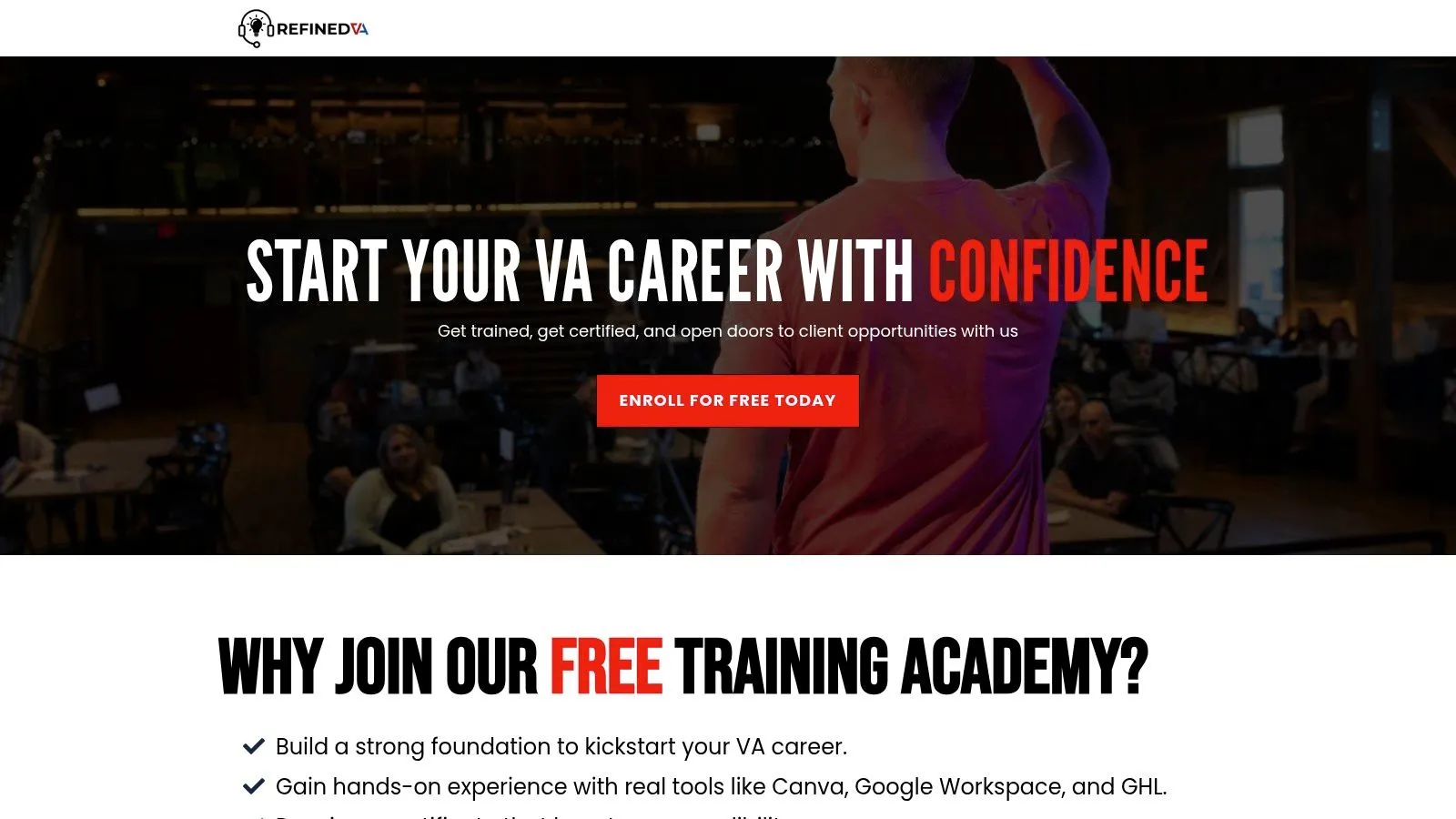
2. Refined VA – Free Training Academy
Refined VA Training Academy is the kind of beginner resource I like for people who need a calm, organized starting point. It doesn't try to overwhelm you with every niche. It gets you grounded in the VA role, the common tools, and the basics of client-facing professionalism.
That matters because a lot of free virtual assistant training is fragmented. One lesson covers email etiquette. Another covers Canva. Another talks about freelancing in general. Refined VA feels more sequenced, which helps if you're still figuring out what clients expect from a new VA.
Best use case
This is a good first or second stop after you've decided VA work is for you but before you specialize. The lessons around communication and presentation are especially useful for beginners who are capable but still unsure how to sound professional online.
The included certificate in the free tier is a nice bonus. It won't replace proof of work, but it can support your early profile while you're building examples.
- Use it for foundations: Great for role clarity, tools, and client communication basics.
- Don't rely on it for specialization: If you want automation, AI, or advanced operations support, you'll need to stack another resource after it.
- Watch for timing: Access and content flow may vary depending on how they run the academy.
One of the biggest gaps in the free training space is portfolio building. As noted in a guide on learning VA skills for free or cheap, a lot of resources still stop at broad advice and leave learners to patch together their own proof of skill. Refined VA helps more than many entry-level options, but you'll still need to create your own sample work deliberately.
3. Alison – Working as a Virtual Assistant
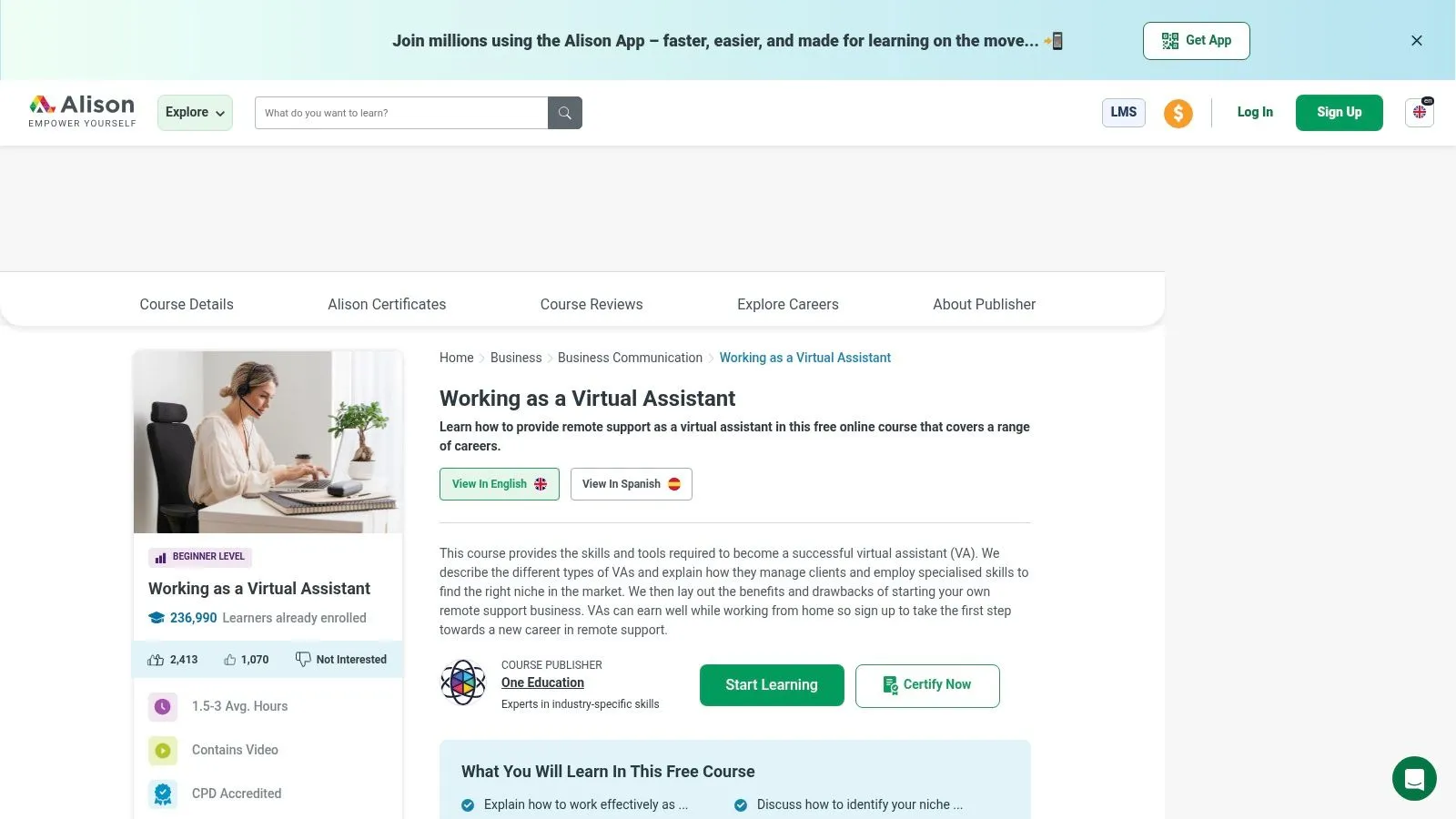
Alison's Working as a Virtual Assistant course is for the person who wants a fast win. If you're completely new, this is one of the simplest ways to stop guessing and get a basic map of the role.
I wouldn't call it enough on its own. I would call it useful. There's a difference. It gives you structured beginner coverage of VA duties, client expectations, workflows, and common responsibilities without asking you to commit to a long program.
Where it fits in your path
Use Alison when you need orientation, not transformation. It's ideal at the very start, or as a reset if you've watched too much random content and need a clean foundation.
The free learning content is the appeal. The trade-off is that mentorship and live support aren't really part of the experience, and the certificate isn't free.
Some learners need momentum more than depth at first. A short, finishable course can do more for confidence than a massive academy they never complete.
If your next challenge is turning knowledge into a client-facing profile, pair this with practical career preparation from AI Academy's job-hunting resources. That works especially well if you want help framing your skills in a way employers and freelance clients understand.
4. AI Academy
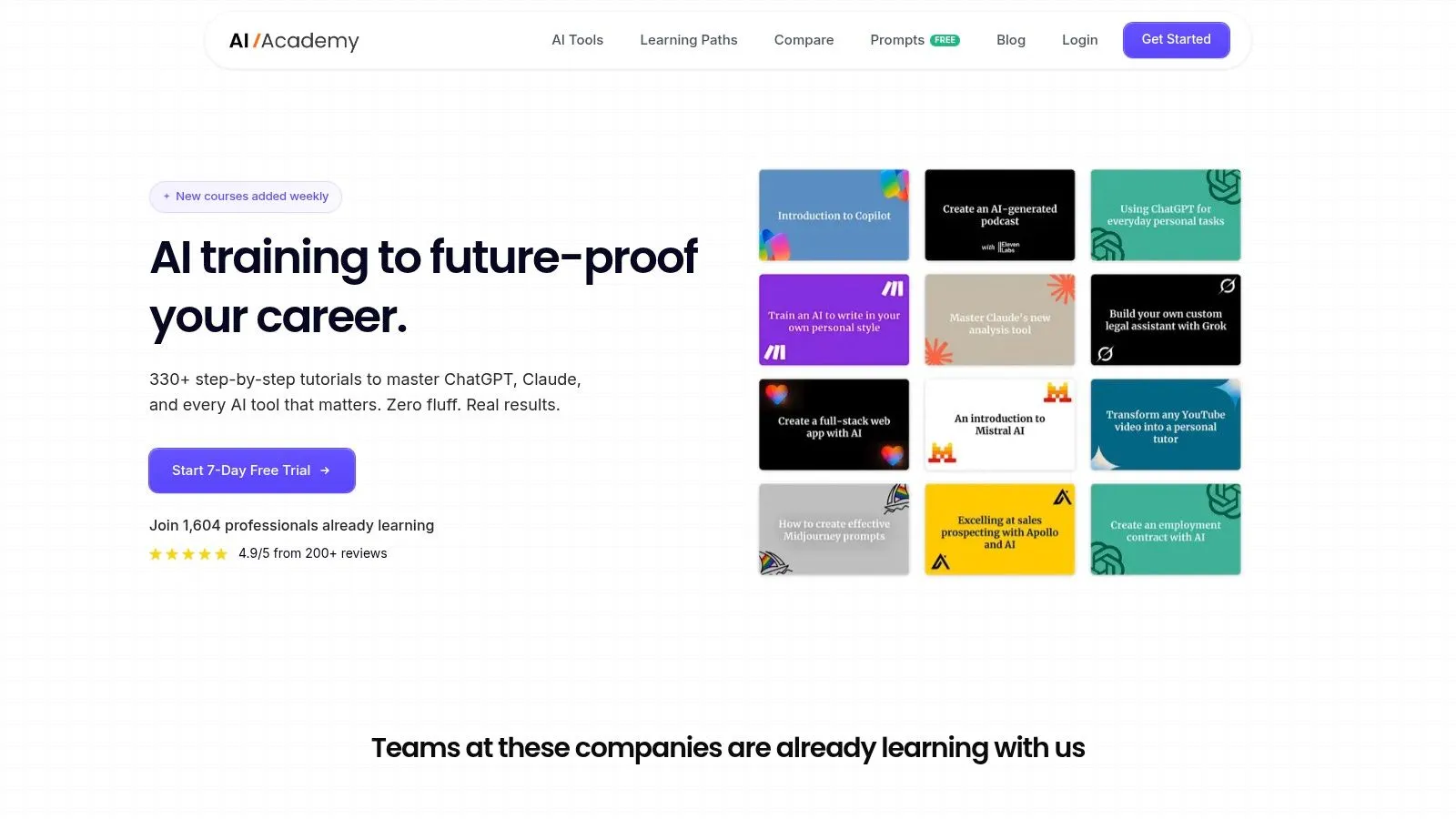
Traditional admin skills still matter. But they're no longer enough if you want to stay competitive. That's why AI Academy belongs in a serious guide to free virtual assistant training, even though it isn't framed as a VA school.
The best VAs in the current market don't just manage inboxes. They summarize meetings with ChatGPT, build client research workflows with Claude, organize content production, draft SOPs, automate repetitive admin steps, and save clients time without needing constant supervision. AI Academy trains that kind of working skill set.
Why AI skills now belong in VA training
The market is moving away from generic support and toward software-specific, higher-value services. One industry forecast estimates the global virtual assistant services market at about $6.5 billion in 2026 and projects it to reach $43.4 billion by 2035, with a 23.4% CAGR. The same source says administrative support accounts for 31.5% of workloads and marketing and social media about 31%, while workflow automation, AI tool proficiency, and data analysis are among the faster-growing niches.
That matches what I've seen in practice. Clients still ask for calendar management and inbox cleanup. But they increasingly value VAs who can also streamline reporting, draft polished first versions, organize knowledge, and connect tools like Make, Zapier, Notion, and Perplexity into a smoother operating system.
What makes it unusually practical
AI Academy is built around short, step-by-step tutorials instead of bloated lectures. It has 330+ text-and-image tutorials, covers 50+ real workplace AI tools, updates weekly, and includes a four-week onboarding path that moves from fundamentals into automation, time-saving workflows, and becoming the go-to AI person at work. It also includes a prompt library, a 10-page guide, 7-day support, a private Telegram community with 1,600+ members, and social proof that includes a 4.9/5 rating from 200+ reviews.
The platform is paid after the free trial, so it isn't a purely free option in the same sense as the other entries. But for VAs who want future-proof skills, it's one of the most practical upgrades on this list.
- Best for modern VAs: Strong fit if you want to combine admin support with AI-assisted execution.
- Big advantage: Lessons are built for immediate use, not theory.
- Main trade-off: It's text-and-image based, so video-first learners may prefer a different format.
For a deeper look at how these skills translate into daily work, the AI Academy guide to learning AI for business gives a useful picture of how non-technical professionals apply these tools fast.
5. The Alpha VAs – Free Virtual Assistant Course Teachable
The Alpha VAs free course on Teachable is compact, practical, and easy to get through in a short burst. That's its real strength. It lowers the friction that keeps beginners stuck.
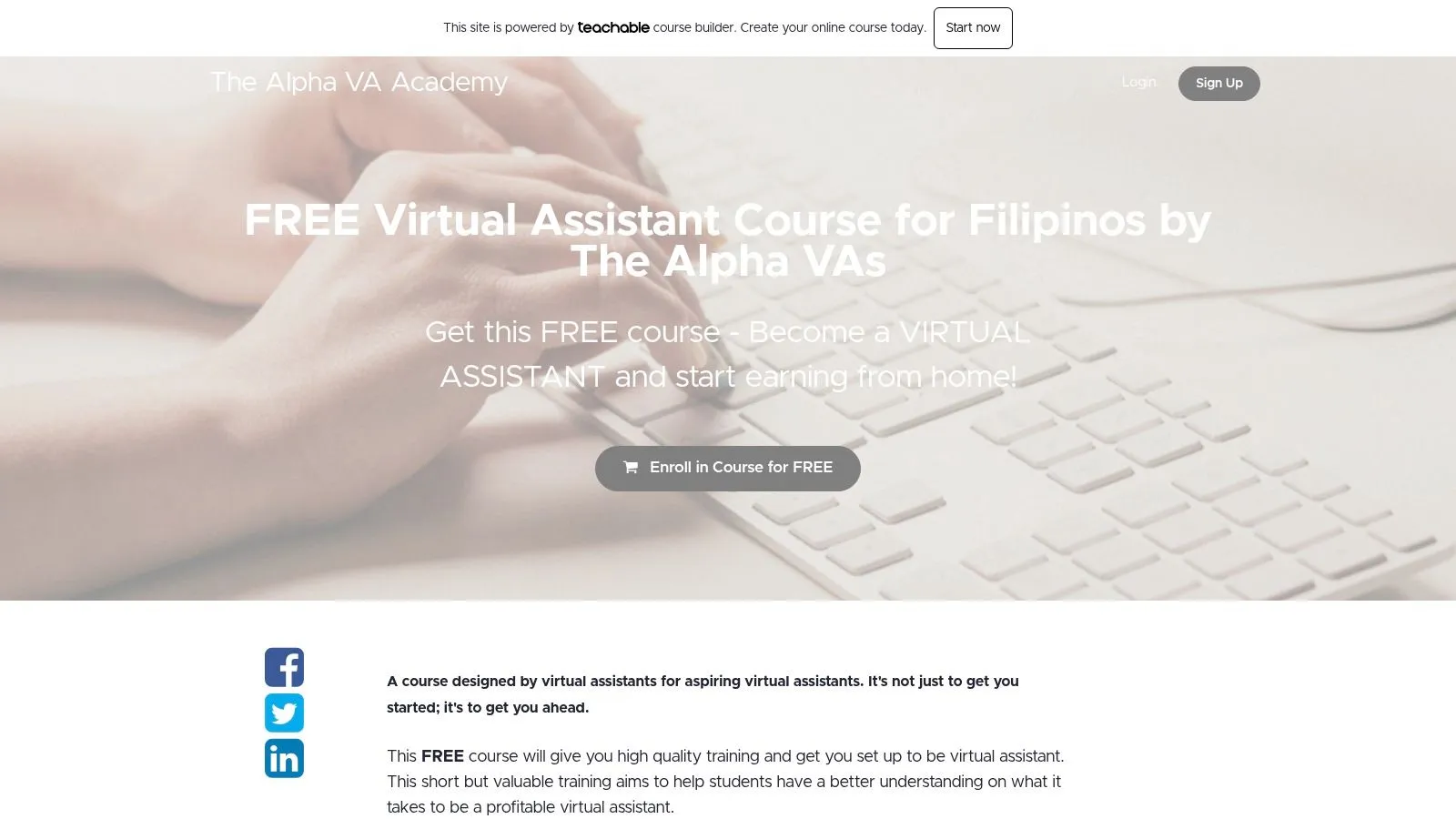
This is not the course I'd pick if you want deep systems training or a full career framework. It is the course I'd pick if you need a quick orientation with templates, checklists, and enough practical guidance to stop feeling lost.
When to use it
It works well before a larger course or between heavier programs. If you've been reading too much and doing too little, a short Teachable-style setup can give you traction.
The templates and checklists are useful because beginners often don't need more theory. They need to see how a client onboarding step, a task list, or a workflow handoff looks in simple form.
- Good prelude option: Use it before a cohort program or a specialization track.
- Helpful for confidence: Short modules make it easier to finish.
- Know the limit: There isn't much built-in mentorship or deeper community support.
A lot of new VAs benefit from one fast course like this early on. It proves that the work is learnable and helps you identify which parts of the role feel natural to you.
6. Virtual Assistants Academy – Free Online Courses and Webinars
Virtual Assistants Academy earns a place here because it goes beyond the usual beginner script. Instead of stopping at admin basics, it includes free courses and periodic webinars that touch automation and AI use for VAs.
That matters because the market is changing faster than many beginner training pages admit. Static tool lists age badly. Practical refreshers on streamlining repetitive work are more valuable.
What it does better than basic VA intros
This is one of the better choices for someone who already understands standard assistant tasks and wants to widen their service stack. The live webinar format can also help if you learn better when there's a date on the calendar and some current discussion around tools.
The trade-off is consistency. Libraries like this can shift over time, and formal certification details may not be the main attraction.
Free VA content often teaches what the role used to be. Better resources teach how the role is being reshaped right now.
Use this after a fundamentals course, not before. You'll get more from the AI and automation material if you already understand where routine admin work breaks down, slows down, or repeats.
7. Elevify – Virtual Assistant Training
Elevify's Virtual Assistant Training is a solid pick for learners who want to get competent with the nuts and bolts quickly. It focuses on scheduling, inbox management, task coordination, and tool selection. In plain terms, it covers the work many clients need first.
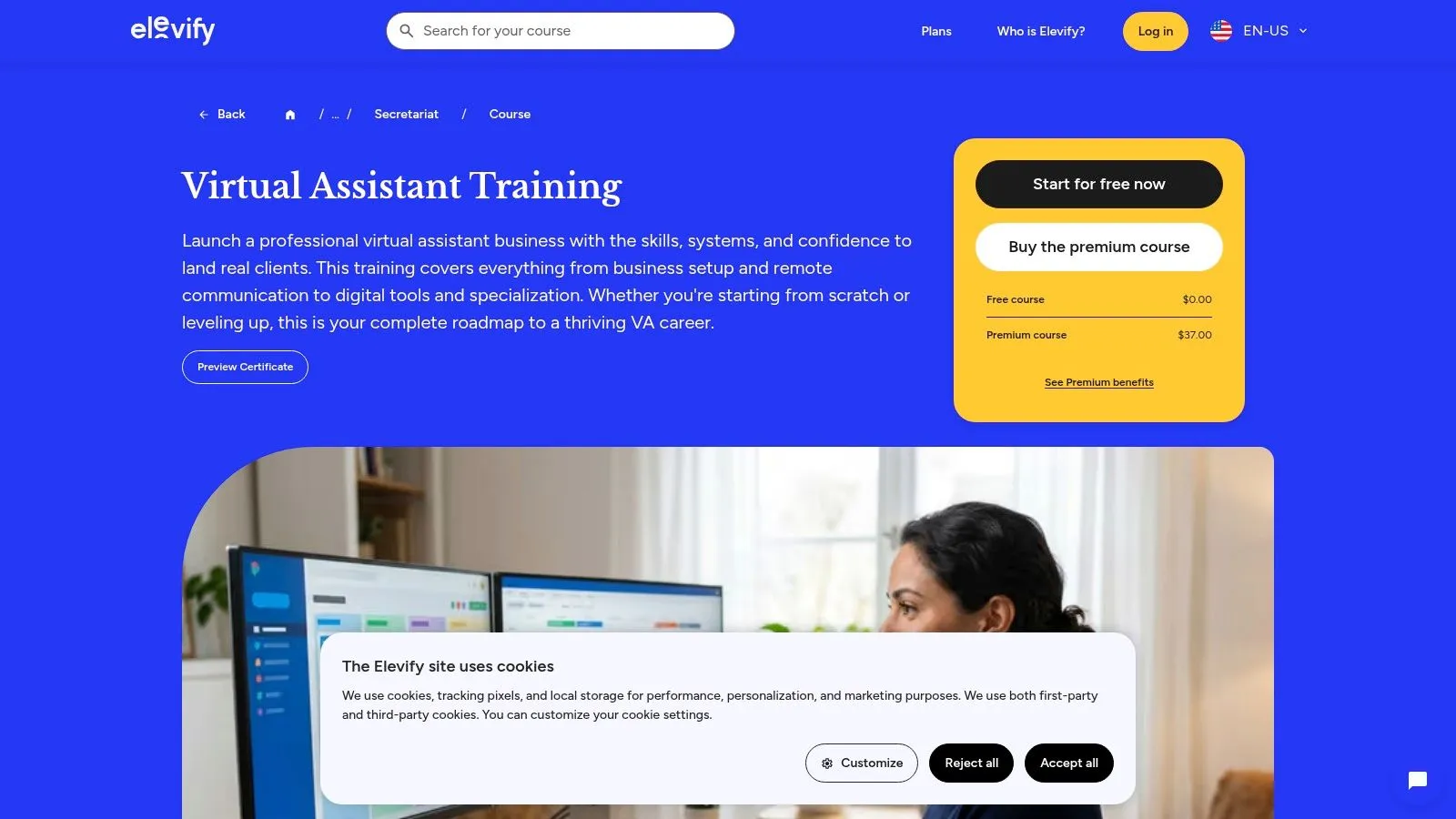
I like this kind of course for people who don't want a lot of motivational framing. They just want to learn how to handle a calendar properly, manage an inbox without creating chaos, and understand which tools suit which tasks.
Strongest fit
The instant-corrected activities are useful. Immediate feedback helps beginners catch small process mistakes before they become habits. That's especially important with admin support, where tiny errors can create visible client friction.
The platform is less established in the VA training space than some bigger names, so I'd treat it as a skills course more than a networking or placement path.
- Best for operations basics: Strong on day-to-day assistant workflows.
- Good learning style match: Works well for people who like short chapters and active exercises.
- Not a career ecosystem: You may need separate help with positioning, outreach, and client acquisition.
If your weak point is execution, not motivation, this is a smart choice. It teaches the kind of competency clients notice immediately in week one.
8. ALX Africa – Virtual Assistant Programme
ALX Africa's Virtual Assistant Programme is a stronger option for learners who want a workforce-development environment rather than a standalone mini-course. It has more of a structured professional training feel, with community support and alumni pathways built into the experience.
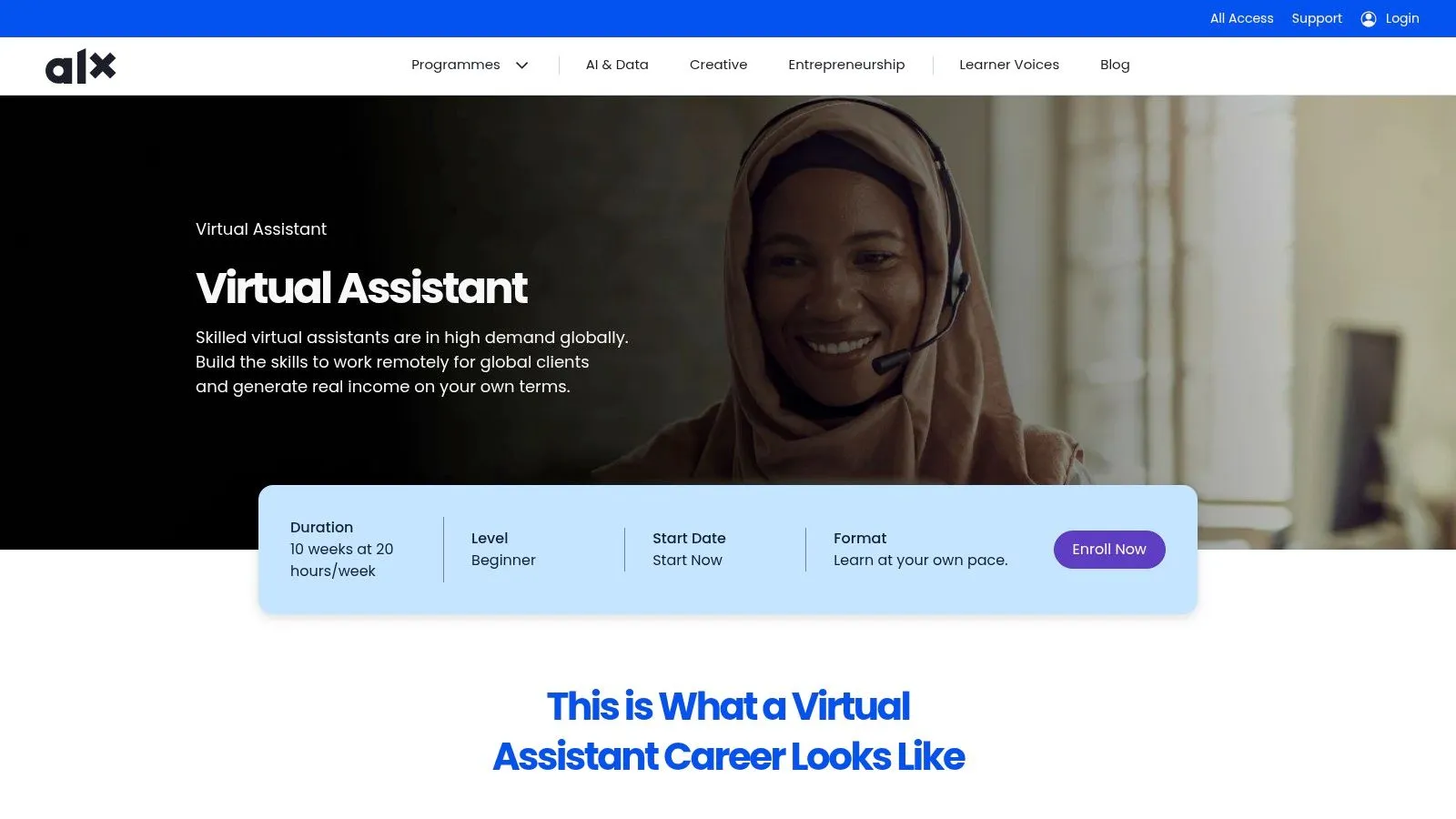
That setup can be a major advantage if you want more than isolated lessons. Many beginners need rhythm, peer support, and a clearer route from learning into work-readiness.
Who should prioritize it
This program is especially appealing if you value soft-skill development alongside tools and admin tasks. Professional communication, organization, reliability, and confidence in a remote setting matter as much as software familiarity.
The main limitation is access. Eligibility, regional focus, and cohort timing shape whether this is available to you right now.
- Great for structured learners: Better fit if you want a guided path and community.
- Useful beyond tools: Emphasizes professional readiness, not just task completion.
- Plan around availability: Application and timing constraints apply.
This is one of the options I'd recommend to people who know they learn better in a serious program environment than in a DIY content library.
9. PAGLAUM Women's Project – Free Virtual Assistant Training for Women
PAGLAUM Women's Project stands out because it's mission-led. It frames VA work not just as a remote job option, but as a flexible pathway that can fit around real-life responsibilities.
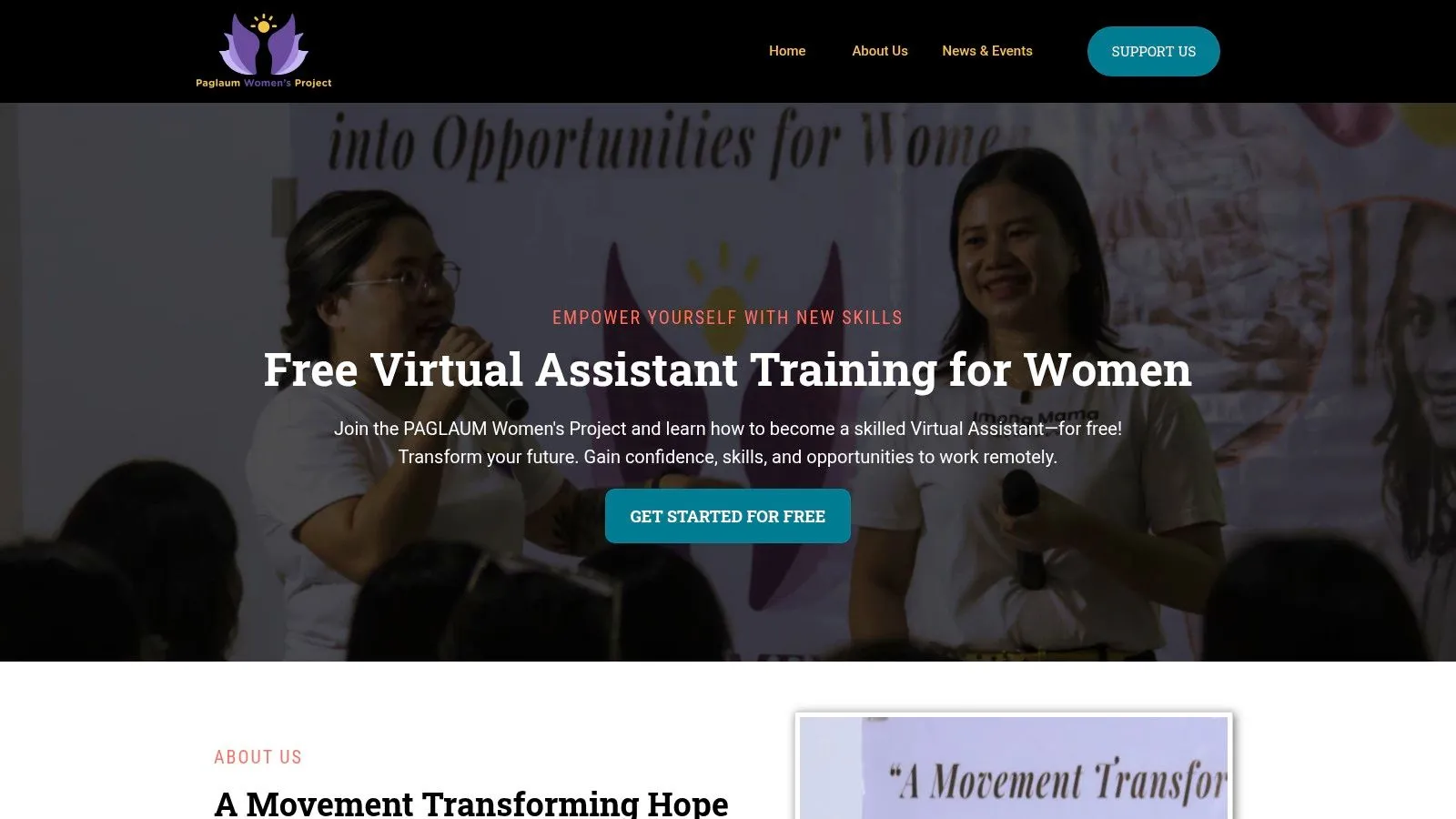
That supportive framing matters more than people think. Many beginners aren't struggling with intelligence or work ethic. They're trying to build a career while managing caregiving, family schedules, or a confidence gap after time away from formal work.
Why it matters
A women-focused training environment can make the first step feel safer and more practical. It often reduces the intimidation factor that comes with freelance platforms and generic business advice.
The trade-off is that details around certification, placement, and cohort specifics may vary. You'll want to check current access and expectations directly.
The best beginner program isn't always the biggest one. Sometimes it's the one that makes it realistic for you to keep going.
If you want free virtual assistant training in a more supportive setting, this is one of the more meaningful options on the list.
10. Virtual Pixie Academy – Free 5‑Day VA Training
Virtual Pixie Academy's free 5-day training is the best fit for action-takers who don't want a long runway. It's short, focused, and built to help you define services, think about packages, and start first-client outreach.
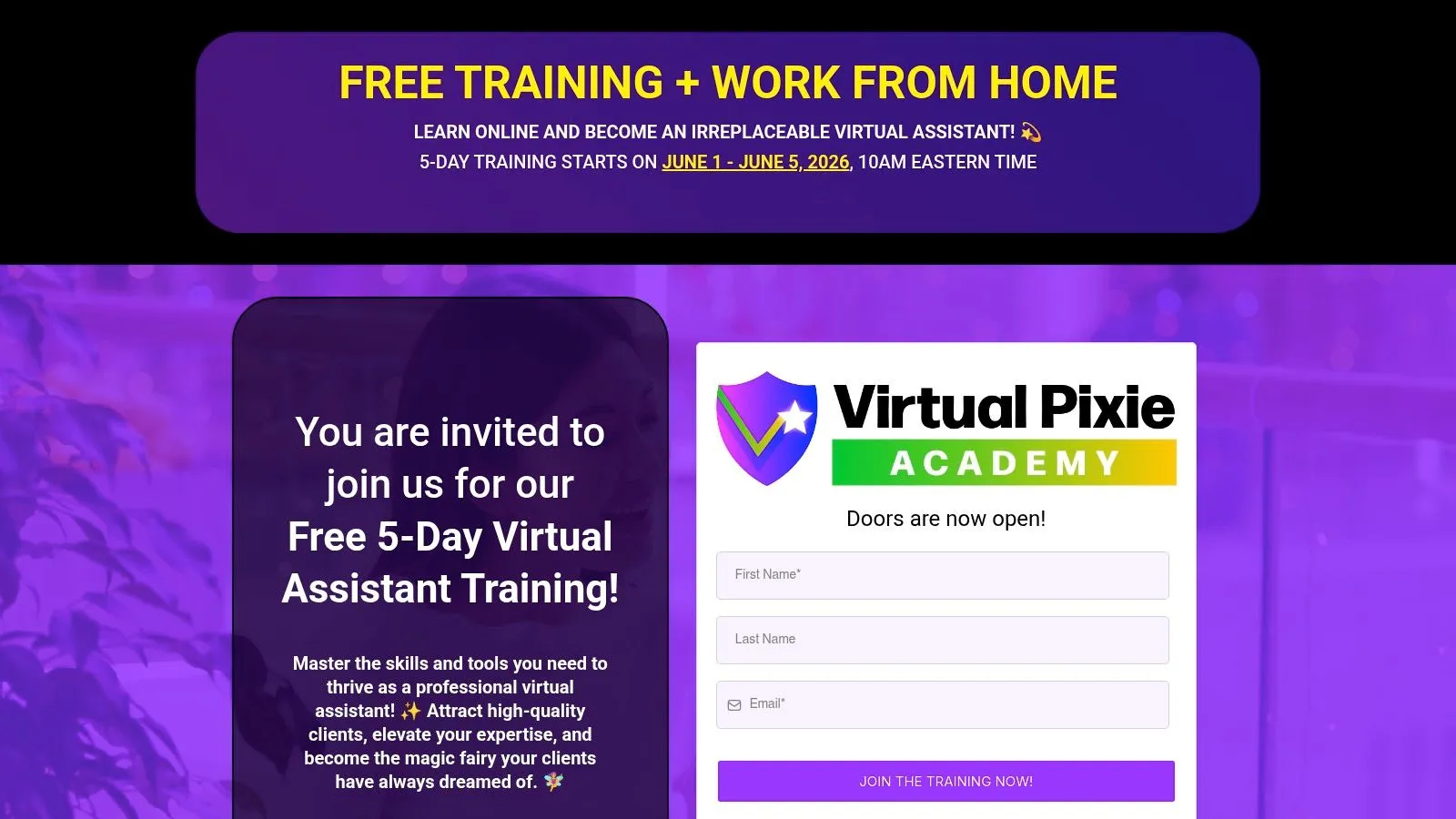
I wouldn't rely on a five-day challenge as your entire education. I would use it to break hesitation. Some learners don't need another broad overview. They need a push toward choosing an offer and speaking to real prospects.
Best for momentum
This works well if you already have some transferable skills and need help packaging them. It can also be useful after a foundations course, when you understand the work but still haven't decided what service to lead with.
Its weakness is depth. A short sprint won't replace broader practice in tools, communication, systems, or client delivery.
- Strong kickoff option: Helps you move from “maybe” to “here's what I offer.”
- Low time commitment: Easy to test your interest without a big commitment.
- Use it with something deeper: Best when paired with foundational or skills-based training.
For many beginners, the hardest part isn't learning tasks. It's deciding how to present themselves. This kind of short program helps close that gap.
Top 10 Free Virtual Assistant Training Comparison
| Program | Core focus & duration | Experience & outcomes ★ | Price & value 💰 | Target 👥 | Highlights ✨ |
|---|---|---|---|---|---|
| Apex Virtual Assistants – Free Elite VA Training | 3–4 week cohort; executive VA skills | Cohort energy; certificate on completion | Free; limited seats | Aspiring executive VAs | Cohort accountability; certificate & graduate pathways |
| Refined VA – Free Training Academy | Self‑paced (~8–10 hrs); VA foundations & tools | Practical, tool‑oriented; certificate included | Free; paid upgrades available | Beginners wanting a self‑paced start | Client acquisition checklist; tool tutorials |
| Alison – Working as a Virtual Assistant | Self‑paced (2–3 hrs); foundational VA course | Recognized platform; quick completion | Free course; pay for official certificate | Complete beginners | Short, name‑brand intro; downloadable summaries |
| AI Academy – Techpresso 🏆 | 330+ micro‑tutorials; 4‑week onboarding; self‑paced | ★4.9/5; members save 5–6 hrs/week; weekly updates | 💰 Monthly $40; Annual $19/mo (7‑day trial); Lifetime $499; $3M+ Deals Marketplace offsets cost | Non‑technical pros: marketers, analysts, managers, consultants | Prompt library + 10‑page guide; 7‑day support; Telegram 1.6k+; Deals Marketplace |
| The Alpha VAs – Free Virtual Assistant Course | 1–2 hrs Teachable course; quick‑start modules | Fast, pragmatic orientation with templates | Free; lifetime access on Teachable | Action‑takers who want no‑fluff startup | Ready templates & checklists; quick setup |
| Virtual Assistants Academy | Varied self‑paced courses + live webinars | Ongoing webinars; live Q&A sessions | Free courses/webinars; library may vary | New & existing VAs upskilling in automation | Live webinars; AI & automation topics |
| Elevify – Virtual Assistant Training | 3–4 hrs; inbox/calendar mastery | Instant‑corrected activities; practical focus | Likely free/low‑cost certificate (region dependent) | Learners needing core assistant workflows | Instant feedback exercises; tool comparisons |
| ALX Africa – Virtual Assistant Programme | 6‑week cohort; scholarship options | Strong cohort/community & alumni pathways | Often scholarship‑backed for eligible applicants | Applicants in eligible regions (primarily Africa) | Scholarship opportunities; career & alumni network |
| PAGLAUM Women's Project – Free VA Training for Women | Self‑paced/cohort options; women‑focused | Supportive, mission‑led community | Free (women‑focused initiatives) | Women seeking flexible, community support | Emphasis on work‑life integration & peer support |
| Virtual Pixie Academy – Free 5‑Day VA Training | 5‑day mini program (30–60 min/day) | Action‑oriented; daily worksheets & quick wins | Free; periodic availability | Aspiring VAs needing business clarity | Fast service‑packaging + outreach playbook |
Your Next Step From Learning to Earning
The biggest mistake new VAs make isn't choosing the wrong free course. It's trying to consume everything at once. They bookmark ten programs, watch a few lessons from each, and never build enough depth in any one area to feel credible.
A better approach is simpler.
Pick one foundation program. That could be Apex, Refined VA, Alison, or Elevify depending on how you learn. If you need accountability, choose a cohort option. If you need speed, choose a self-paced beginner course. If you need confidence through completion, choose the one you can finish this week, not the one that looks most impressive.
Then build one proof-of-skill sample for each core service you want to offer. Don't wait for a real client before practicing. Create a sample inbox cleanup process. Draft a calendar management workflow. Build a Canva graphic set for a mock business. Organize a simple task board in Asana or Trello. Write a polished client handoff note. That kind of proof matters more than a long list of courses.
After that, add one specialization.
Often, free virtual assistant training guides conclude too early. They treat all VA work like basic admin. But the strongest opportunities now sit at the edge of admin plus digital execution. A 2025 roundup of free VA course options highlighted how platforms such as HubSpot Academy offer dozens of free certification courses, Canva Design School provides broad tutorials for web and social-media design, and Google's Online Marketing Challenge covers digital marketing basics, analytics, advertising, and best practices. That tells you what clients increasingly expect. Not just assistance, but assistance paired with useful digital skills.
That's why the learning path I recommend looks like this:
- Start with admin fundamentals: inbox, calendar, coordination, communication
- Add client-facing polish: onboarding, written updates, task ownership
- Build one visible sample per service: not just notes, actual deliverables
- Choose one growth specialty: Canva, email marketing, content support, automation, or AI-assisted operations
- Practice with real tools: ChatGPT, Claude, Canva, Asana, Google Workspace, Notion, Zapier, or Make
There's also a hard truth beginners should hear early. The most routine admin tasks are under pressure from automation, and many office roles are being redesigned around AI and digital tools. As noted in a discussion of employability in VA training under AI pressure, the better question now isn't only how to become a virtual assistant. It's which VA capabilities will stay valuable as routine work gets absorbed by software.
That's good news if you train the right way.
You don't need to become technical. You need to become useful in a more modern way. Learn to manage work, communicate clearly, improve processes, and use AI tools responsibly to save clients time. That combination is much harder to replace than generic admin support alone.
Don't wait for perfect clarity. Choose one course from this list, finish it, build one sample, and take the next step while your motivation is still fresh.
If you want to move beyond basic admin skills and become the VA clients rely on for faster research, smarter systems, polished drafts, and AI-assisted execution, AI Academy is the best upgrade on this list. It's built for working professionals who need practical results fast, with step-by-step tutorials, structured learning paths, prompt templates, community support, and real workplace AI skills you can apply to client work right away.