Your CS team probably isn't struggling because people aren't working hard enough. It's struggling because too much of the work still happens in inboxes, spreadsheets, call notes, and scattered support threads. QBR prep eats hours. Renewal risk hides inside support conversations nobody reviews in time. By the time a CSM sees the problem, the customer has already disengaged.
That's why AI has moved from “interesting” to operational. According to a 2025 summary of TSIA's State of Customer Success reporting, 40.4% of surveyed businesses had fully integrated AI into customer success operations, and AI tools can free up Customer Success Managers to spend up to 30% more time on strategic work like account expansion and relationship building through automation of repetitive tasks like data entry and meeting summaries (Time To Reply on AI tools for customer success). If you're still treating AI as a side experiment, you're already behind teams using it to score health, flag churn risk, and personalize outreach at scale.
This guide focuses on the AI tools for customer success that are useful in practice. Some are best for support automation. Some are built for proactive CS. A few are best used as a layer on top of the systems you already have. If you're also wiring communication into agent workflows, this companion guide on how to integrate email for agents is worth bookmarking.
1. AI Academy AI for Customer Success Course & Toolkit
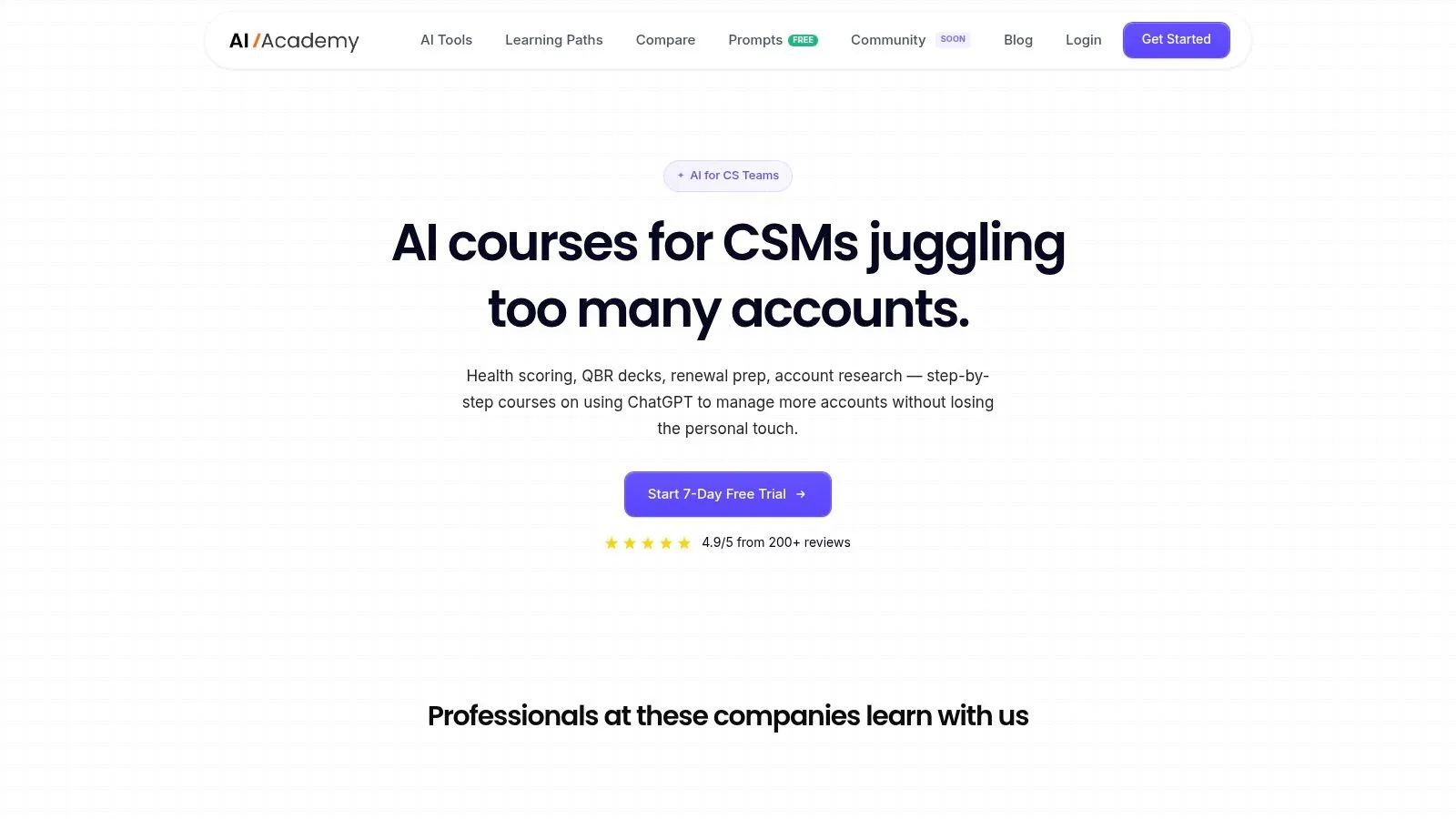
Most lists of AI tools for customer success jump straight into software. That misses a practical problem. Teams buy a tool, turn on a few features, and then stall because nobody knows how to use AI inside real CS workflows. That's why AI Academy earns the featured spot.
Instead of selling another full platform, AI Academy's AI for Customer Success course and toolkit helps CS teams operationalize the tools they already have access to, including ChatGPT, Claude, and other LLMs. The focus is narrow in a good way: QBR prep, churn prioritization, personalized outreach, reporting, and customer communication. The modules are short, visual, and built for people who need something they can apply this week, not after a certification binge.
Why it stands out
The strongest part is the workflow design. You're not staring at abstract prompt theory. You get copy-paste prompts, screenshots, and step-by-step examples built around common CS jobs. If your team is still manually assembling stakeholder notes, usage signals, and support context before a business review, the tutorials cut through that fast.
The supporting structure matters too. Weekly updates, a four-week onboarding path, 7-day support, and a private Telegram community make it easier to keep momentum after the first few experiments. The included marketplace discounts are also useful if your team wants to test adjacent tools without stacking too many subscriptions at once.
For a broader breakdown of common use cases, AI Academy's own guide on AI for customer success is a solid companion read.
Practical rule: If your team is new to AI, start with workflows before platforms. A good prompt and a repeatable process often unlock value faster than a large software rollout.
Best fit and trade-offs
This is the right choice when your bottleneck is adoption, not infrastructure. It works especially well for non-technical CS teams that want immediate wins in renewal prep, account research, and scaled personalization. It also pairs well with tools like Gainsight, ChurnZero, Zendesk, or Intercom because it helps CSMs work better inside those systems.
A few trade-offs are worth being direct about:
- Best for operators: It's built for working CS professionals, not engineers designing production-grade architectures.
- Strong on execution: It gives practical templates and tutorials, but it won't replace a deep integration playbook for API-heavy deployments.
- Often part of a stack: Some workflows depend on external LLMs or third-party tools, so procurement and security review may still slow rollout.
One more reason this category matters. Dock reports that 52% of customer success teams have formally incorporated AI into workflows, and 58% of CSMs identify onboarding as the area with the highest potential for AI-driven productivity gains (Dock on AI for customer success). That's exactly where a practical implementation toolkit helps. It gives teams a place to start before they try to automate everything.
A useful pairing: AI Academy for workflow enablement, plus a platform like ChurnZero or Gainsight for orchestration and customer data.
You can also connect that thinking to a broader guide to AI customer experience.
2. Zendesk AI
Zendesk AI makes the most sense when support volume is already high and your CS team depends on support data to understand account health. In that setup, Zendesk becomes more than a helpdesk. It becomes an early warning system.
Its AI layer covers intelligent triage, routing, suggested replies, summaries, and autonomous agents across chat, email, voice, and messaging. That breadth matters when customers don't stay in one channel. The product is mature, governance is strong, and implementation support is usually better than what you get from lighter tools.
Where Zendesk AI works best
Zendesk is strongest for support-led organizations that want AI to reduce repetitive work and create cleaner signals for CSMs. If an account starts generating negative tickets, repeated escalations, or sentiment shifts, Zendesk can surface those patterns earlier than a manual process would.
A 2024 global survey summarized by Mixmax found that 52% of CS teams are already using AI in some form, with automation seen as the most impactful use for data analysis tasks like pre-call research and identifying at-risk customers (Mixmax on AI for customer success). Zendesk fits that model well because support data often becomes the fastest route to proactive intervention.
What works:
- Strong routing and triage: It reduces the mess at the front door.
- Good enterprise fit: Admin controls and governance are mature.
- Useful for multi-channel support: Especially if voice and messaging matter.
What doesn't:
- Pricing can get layered: AI line items alongside seats can complicate forecasting.
- Best value comes from ecosystem depth: Teams using only a narrow slice of Zendesk may not get the full payoff.
If your CS motion depends heavily on support insight, Zendesk is one of the safest buys in this category. The caveat is simple. It's more compelling when you commit to the stack, not when you bolt on one AI feature and hope for transformation.
Use the platform directly at Zendesk.
3. Intercom
Intercom is the tool I'd put in front of a SaaS team that wants fast deployment and is comfortable building a chat-first support and engagement motion. Fin handles automated resolutions, while the helpdesk, messenger, co-pilot features, and proactive messaging tools make it easier to mix support with lifecycle communication.
The product experience is polished. That sounds cosmetic, but it isn't. Clean UI lowers training friction, and that usually means faster internal adoption.
Best use case
Intercom works best when your customers already engage in-product and your team wants to automate repetitive conversations without creating a disconnected bot experience. It's also useful when CS and support work closely together and need shared context.
One adoption signal matters here. A 2025 summary of the Zendesk Customer Experience Trends Report notes that 56% of CX leaders are actively exploring new generative AI vendors to improve customer experience (Zendesk on AI for customer success). Intercom often lands on that shortlist because it gets live quickly and shows visible automation fast.
Fast setup is valuable, but it can hide weak knowledge design. If your help center is messy, Fin will expose that problem immediately.
A few grounded trade-offs:
- Strong for self-serve and deflection: Fin is compelling when your knowledge base is solid.
- Great for proactive messaging: In-product nudges and chat-based engagement are still a strength.
- Less appealing for fragmented stacks: If you don't want to lean into Intercom broadly, cost can feel heavy relative to narrower use.
Teams also get more value when they know how to structure prompts and instructions well. This short primer on what prompt engineering is helps if your team is tuning AI behavior inside support workflows.
Use Intercom at Intercom.
4. Freshdesk with Freddy AI
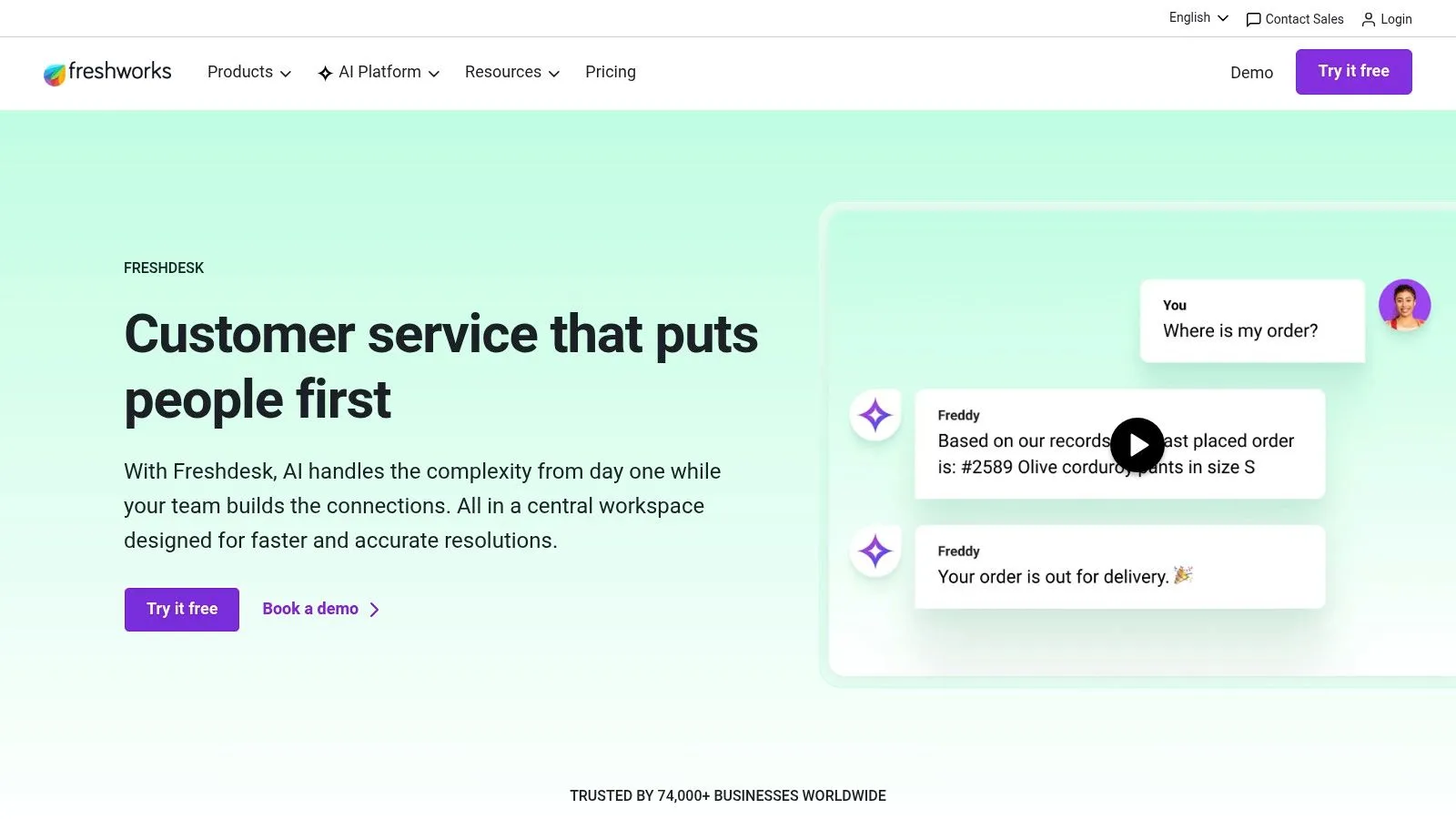
Freshdesk with Freddy AI is the option I'd look at when the team wants broad functionality without immediately paying enterprise-platform prices. It gives you an approachable helpdesk, agent assistance, self-service AI, and insights in a package that tends to be easier to roll out than heavier CX systems.
This matters for smaller CS orgs and support teams that need momentum more than they need maximum sophistication on day one. Freddy Copilot helps with summaries, drafting, and translations. Freddy AI Agent handles self-service. Freddy Insights helps uncover trends that would otherwise stay buried in tickets.
Where it earns a place
Freshdesk is often the better choice when the team needs modular adoption. You can start with core helpdesk workflows, then add AI where it's clearly useful instead of doing a full platform transformation.
That said, it's not magic. Conversational depth still depends on knowledge quality, workflow tuning, and realistic scope. I've seen teams expect too much too early from self-service AI, especially for technical issues that need context from multiple systems.
- Best for pragmatic rollout: Start small, then expand.
- Good fit for lean teams: The learning curve is usually manageable.
- Budget planning still matters: AI sessions plus seats can make forecasting less simple than the base platform suggests.
If your current support process is mostly email and simple chat, Freshdesk can be a clean upgrade. If you need deep orchestration across complex enterprise channels and custom systems, you may outgrow it faster.
Use it at Freshdesk by Freshworks.
5. Ada
Ada sits firmly in the enterprise camp. If you're handling large support volumes across chat, email, messaging, voice, and social, and you want one AI agent framework that spans those channels, Ada deserves serious consideration.
What stands out is the integration story. Ada connects into platforms like Zendesk, Salesforce, Genesys, and Twilio Flex, and it's built for teams that need orchestration across more than one system. That makes it more attractive for mature operations than for lean teams looking for a quick win.
What to know before buying
Ada is not the tool I'd recommend for a first AI experiment. It's better for teams that already know their processes, have clear ownership, and can support implementation over time. Without that, you risk buying a powerful system and underusing it.
Its strengths are straightforward:
- Multi-channel consistency: One reasoning layer across channels is a meaningful design advantage.
- Enterprise integrations: It fits better into larger ecosystems than many chat-first products.
- Serious automation potential: Good for teams aiming beyond basic FAQ handling.
Its drawbacks are just as real:
- Sales-led buying process: You'll need a proper evaluation cycle.
- Ongoing ownership required: AI ops, content upkeep, and workflow review can't be side tasks.
The bigger the automation footprint, the more important fallback design becomes. Escalation paths matter as much as answer quality.
If you want a customer service AI platform with enterprise reach and you have the team to run it well, Ada is a strong option. If you need something lighter, it may be more platform than you need.
Use it at Ada.
6. Forethought
Forethought is one of the better choices when you want AI to work across the full support flow instead of only at the chatbot layer. Its product structure reflects that. Solve handles customer-facing automation, Triage helps classify and route, and Assist supports the agent experience.
That architecture is useful because many AI projects stall when teams optimize one stage and ignore the rest. Forethought is built more like an end-to-end operational system.
Why teams shortlist it
Forethought's practical advantage is that it leans heavily on your historical tickets and existing knowledge. That usually produces more relevant behavior than generic AI setups that only ingest a polished help center. For companies with years of support history, that's a meaningful edge.
It also tends to pair well with platforms like Salesforce and Zendesk rather than trying to replace everything. I generally see that as a plus. Replatforming and AI transformation at the same time is usually a bad idea.
Here's the trade-off profile:
- Best for support teams with real data history: The more resolved tickets you have, the more useful it can become.
- Good for resolution, not just deflection: That's an important distinction.
- Needs thoughtful rollout: Classification logic, content quality, and confidence thresholds all matter.
One thing I like in tools like Forethought is their ability to surface gaps in documentation and workflow logic. Those insights help customer success even when they start in support, because recurring friction points often predict risk long before a renewal conversation.
Use it at Forethought.
7. Kustomer
Kustomer appeals to teams that want one platform to hold the customer record and layer AI on top of it. That's different from adding AI to a ticket queue. The value is in preserving context across channels and conversations so agents and CSMs aren't reconstructing the story every time.
Its AI capabilities cover summaries, suggested next steps, search and knowledge assistance, automation, and routing. The omnichannel support is expected. The more important piece is the underlying data model, which is designed to keep customer context intact.
Best for unified context
Kustomer makes the most sense when fragmented systems are the core problem. If support is in one place, lifecycle messaging is elsewhere, and customer data is only partially synced, teams waste a lot of energy just figuring out what happened.
That's where Kustomer can earn its keep:
- Single view of the customer: Helpful for cross-functional handoffs.
- Broad assistive AI: Useful for teams that still want humans in the loop.
- Better continuity across channels: Less repetition for customers, less context hunting for teams.
The downside is implementation scope. Compared with chat-first tools, Kustomer often asks for a bigger operational commitment. That's fine if your organization wants a central CX system. It's less fine if you just need a quick automation layer for common tickets.
Kustomer is best treated as infrastructure, not a lightweight add-on. That makes it powerful, but it also means you should buy it for the long term.
Use it at Kustomer.
8. Gainsight
If your main question is not “How do we deflect tickets?” but “How do we operationalize retention and expansion?”, Gainsight belongs near the top of the list. It's a customer success platform first, with AI layered into the workflows CS teams already run, including health scoring, CTAs, journey orchestration, and success plans.
This category is where many teams should be spending more time. Support automation is useful, but it doesn't replace a proactive CS operating model.
When Gainsight is worth it
Gainsight becomes valuable when your team already has decent process maturity and a real customer data model. If your product usage data is unreliable, account ownership is fuzzy, or your playbooks don't exist yet, the platform won't fix that by itself.
For mature teams, though, the AI layer is compelling. Agent Studio and Horizon AI are designed to help teams query customer data, automate workflows, and embed AI into retention and upsell motions without leaving the CS environment.
A few practical notes:
- Great for digital CS and scaled programs: Especially when journeys and health scores drive action.
- Strong governance: That matters when AI is acting on customer data.
- Not forgiving of messy operations: Data hygiene and process design matter a lot.
Buy Gainsight when you have a CS operating system that needs acceleration. Don't buy it hoping the software will invent that operating system for you.
If your broader operations team is also exploring autonomous workflow design, this piece on boosting social ops efficiency gives useful context around agentic automation thinking.
Use Gainsight at Gainsight.
9. ChurnZero
ChurnZero is one of the more practical AI tools for customer success when the goal is proactive account management rather than broad CX transformation. It's built around onboarding, health scoring, journeys, playbooks, forecasting, and in-app communication. That makes it especially relevant for SaaS and subscription businesses where CS needs to act on product usage signals quickly.
I tend to like ChurnZero for teams that want operational depth without jumping immediately to the heaviest enterprise stack. It still needs clean data, but the day-to-day workflows feel closer to what many CS teams already do.
Where it fits in the stack
ChurnZero works best when product data and CRM data are connected well enough to trigger meaningful action. If an account's usage drops, a stakeholder disengages, or onboarding stalls, the system is built to turn that signal into a play, message, or task.
That lines up with a broader market shift. Mixmax's survey summary notes that AI is especially effective for sentiment analysis across emails and support tickets, helping teams detect dissatisfaction before customers explicitly say they're unhappy. The same summary says 86% of CX leaders expect AI agents to manage complex inquiries within three years, framing how quickly the support and success stack is changing. I'm not repeating that source link here because it was cited earlier, but the directional takeaway is clear.
What I'd watch:
- Purpose-built CS workflows: Strong fit for onboarding, health, and renewals.
- Practical for CSM-led automation: Doesn't always require heavy IT involvement.
- Dependent on connected systems: Weak product telemetry limits value fast.
If your team wants to automate more of the repetitive work around account monitoring and content generation, this overview of AI tools for business automation gives useful adjacent ideas.
Use ChurnZero at ChurnZero.
10. MaestroQA
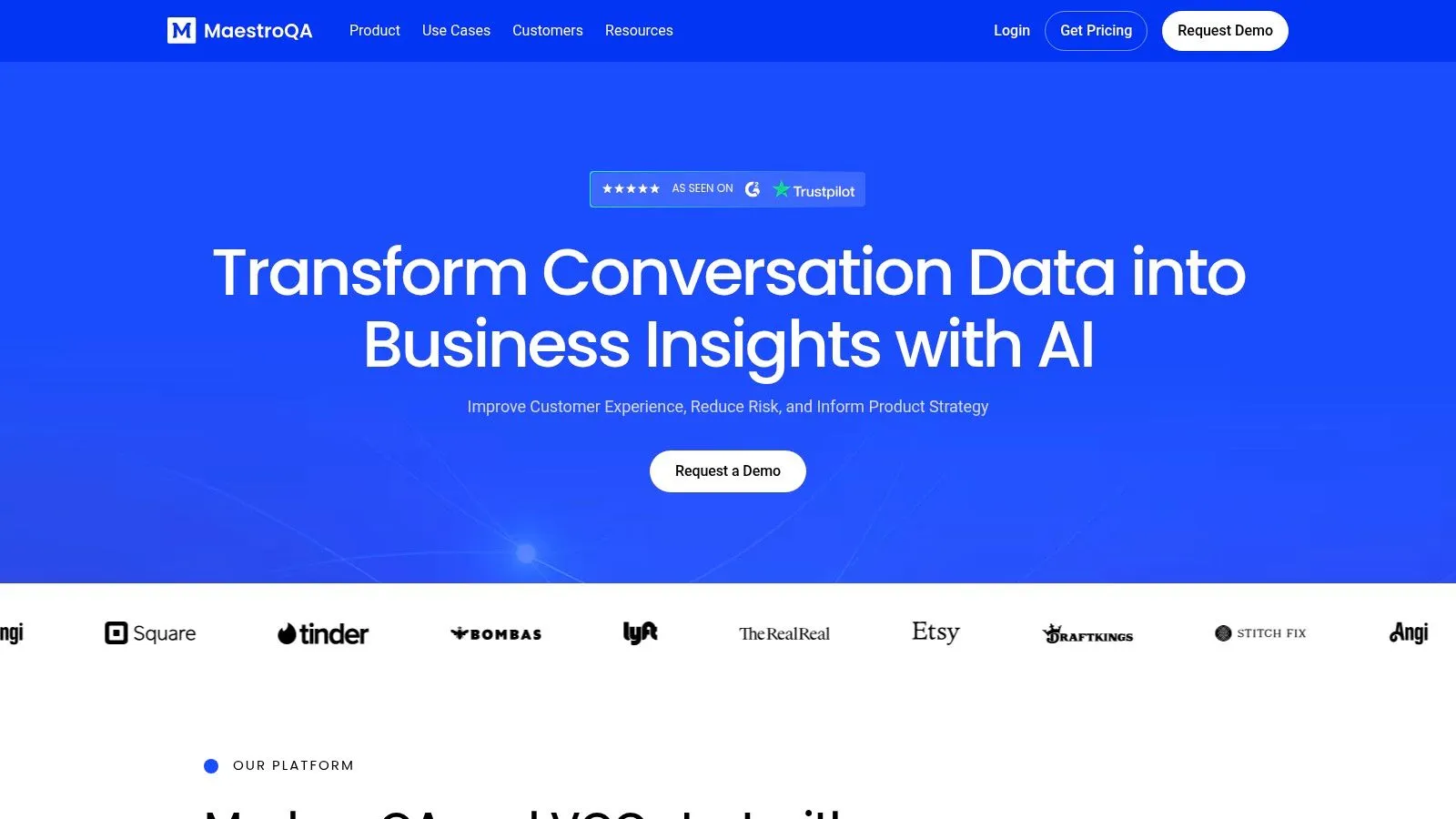
MaestroQA is the outlier on this list, and that's exactly why it belongs here. Not every customer success problem starts in a success platform. A lot of churn risk starts in poor service quality, inconsistent coaching, and patterns buried in tickets and calls that nobody reviews at scale.
MaestroQA addresses that by using AutoQA, conversation analytics, root cause analysis, and coaching workflows to score interactions and surface issues across support channels. It often gets deployed alongside Zendesk, Intercom, Salesforce, or phone systems rather than replacing them.
Why it matters for CS leaders
If your support team only manually reviews a small sample of conversations, you're probably missing warning signs. MaestroQA helps close that blind spot by expanding quality monitoring and linking conversation quality to broader customer outcomes.
This becomes more important as AI spreads across service and success operations. Earlier, we noted that AI adoption in CS has crossed from experimentation into normal workflow design. Quality assurance tools become part of that stack because they help teams trust what's happening in customer conversations, whether a human or AI handled them.
Its practical value is clear:
- Better QA coverage: You see more than the tiny sample manual review usually catches.
- Useful for coaching: Managers can act on recurring issues faster.
- Strong as a companion layer: Especially if you already have a core helpdesk and want more insight.
The limitation is also clear. MaestroQA is only as strong as its integrations and operational follow-through. Insight without coaching or workflow changes won't improve customer outcomes.
Use it at MaestroQA.
Top 10 AI Tools for Customer Success, Comparison
| Product | Core features | Quality & UX | Value & Pricing | Target audience | Unique selling points |
|---|---|---|---|---|---|
| 🏆 AI Academy: AI for Customer Success Course & Toolkit | 10-min tutorials, step-by-step workflows, multi-LLM prompts, 4‑week onboarding | ★★★★★, actionable, updated weekly, community support 👥 | 💰 Monthly/Annual/Lifetime + 7‑day trial; Deals Marketplace offsets cost | 👥 Non-technical CS pros, managers | ✨ Plug‑and‑play workflows, proven prompt templates, community + deals |
| Zendesk AI | Agent assist, autonomous agents, triage, multi‑channel integrations | ★★★★, enterprise-grade controls & governance | 💰 Outcome-based per-resolution pricing (can be complex) | 👥 Enterprise CX teams on Zendesk | ✨ Large ecosystem & per-resolution ROI model |
| Intercom (Fin + Helpdesk) | Fin AI agent, agent co‑pilot, in‑product messages, messenger | ★★★★, strong UI, fast deployment | 💰 Can scale costly with volume & add‑ons | 👥 SaaS/subscription brands, product teams | ✨ Fast setup and clear deflection focus |
| Freshdesk (Freddy AI) | Freddy Copilot, Freddy Agents, Freddy Insights, core helpdesk | ★★★, competitive UX for SMBs | 💰 Lower base cost; modular AI sessions | 👥 Cost-conscious teams wanting modular AI | ✨ Affordable core + expand-as-needed AI modules |
| Ada | Unified reasoning across channels, email automation, prebuilt integrations | ★★★★, high auto-resolution at scale | 💰 Sales‑led enterprise pricing (no public rates) | 👥 High-volume, multi-channel CX teams | ✨ Scale + deep enterprise integrations |
| Forethought | Multi-agent orchestration, ticket-trained models, analytics | ★★★★, end-to-end resolution focus | 💰 Mid-market to enterprise pricing (private) | 👥 Enterprises using Zendesk/Salesforce | ✨ Trained on historical tickets for personalization |
| Kustomer | AI-native CRM-style CX, omnichannel context, automation & routing | ★★★★, unified view across channels | 💰 Opaque/variant pricing by bundle | 👥 Teams needing single system of record | ✨ Strong data model for consistent context |
| Gainsight (Horizon AI) | Agent Studio, LLM queries, AI in playbooks & journeys | ★★★★, deep CS governance & workflows | 💰 Enterprise cost & complexity | 👥 Mature CS organizations | ✨ CS-centered AI + governance for NRR/health scoring |
| ChurnZero | CS AI agents, journeys, health scoring, product insights | ★★★★, practical automations for CSMs | 💰 Pricing private; module/bundle based | 👥 SaaS/subscription businesses | ✨ Purpose-built CS ops + real-time usage signals |
| MaestroQA | AutoQA, conversation analytics, root cause & coaching workflows | ★★★★, boosts QA coverage & coaching | 💰 Sales‑scoped pricing (private) | 👥 QA teams working with Zendesk/Intercom/phone | ✨ Ties quality signals to churn & revenue metrics |
From Reactive to Predictive Making AI Your CS Co-pilot
Monday starts with a familiar problem. Support has a backlog, onboarding handoffs are slipping, and CSMs are building renewal decks by hand from three different systems. In that situation, adding "AI" as a broad initiative usually creates more noise. The teams that get value start smaller. They choose one operational bottleneck, match it to the right tool category, and put an owner on the workflow.
That is the practical shift from reactive to predictive in customer success. Not a feature checklist. A tighter operating model.
The tool choice should follow the job you need done. Support automation tools such as Zendesk, Intercom, Freshdesk, Ada, and Forethought fit high ticket volume, repetitive questions, and after-hours coverage. Proactive CS platforms such as Gainsight and ChurnZero fit account monitoring, onboarding milestones, renewal risk reviews, and customer health workflows. MaestroQA belongs in the stack when quality issues are hurting retention or when leaders need a clearer view into where conversations break down.
One mistake I see often is trying to automate support, success, onboarding, knowledge management, and reporting in the same quarter. That spreads ownership too thin and makes it hard to tell what works. A narrower rollout usually wins. Onboarding escalation, QBR prep, and renewal risk review are strong starting points because the output is easy to inspect and the business impact is visible fast.
A simple decision filter helps:
- Start with support automation if the main issue is queue pressure, slow first response, or inconsistent answers.
- Start with proactive CS if the main issue is missed milestones, weak account visibility, or late risk detection.
- Start with QA and conversation intelligence if the team is replying at scale but quality is uneven and coaching is reactive.
- Start with team enablement if the process problem is clear but the team does not yet know how to use AI inside daily work.
Once the category is clear, build one workflow end to end.
For example, a practical onboarding workflow looks like this. Product usage and CRM data feed a health signal. Gainsight or ChurnZero flags accounts that miss key milestones. Intercom or Zendesk handles common setup questions. A human CSM reviews the flagged accounts, sends the outreach, and escalates only the exceptions that need judgment. That combination reduces manual checking without handing a sensitive customer moment entirely to automation.
The same pattern works for QBR prep. Pull product activity, support themes, renewal date, and open risks into a draft brief. Let AI summarize. Have the CSM verify the story, adjust the recommendations, and use the saved time for account strategy instead of spreadsheet cleanup.
A rollout checklist should stay short:
- Pick one workflow: onboarding handoff, support triage, QBR prep, or churn review
- Define one outcome: faster response, better risk coverage, cleaner handoffs, or more consistent prep
- Assign one owner: someone reviews outputs, tunes prompts, and manages feedback
- Set review rules: decide what must be human-approved before it reaches a customer
- Expand only after adoption is real: one trusted workflow beats several ignored automations
The trade-off is straightforward. Broad automation can create impressive demos, but narrow automation is what teams continue to use. Predictive CS does not come from asking a platform to replace judgment. It comes from using AI to surface patterns earlier, reduce repetitive work, and give CSMs more time to act before a renewal or onboarding issue turns into churn.
AI Academy is a strong fit if you want practical AI upskilling without bloated theory. Explore AI Academy for short, step-by-step lessons, real prompt templates, and hands-on workflows your customer success team can start using right away.